I Gave My Agent A Real Browser And It Got Useful
Some workflows turn into soup the second they touch a web UI.
The agent can edit files, run tests, read docs, write scripts, summarize research, and refactor a service without breathing hard. Then one task needs a browser and suddenly I am a very expensive clipboard with a keyboard, moving text from the terminal into a page and bringing page state back like this is a noble profession.
That was the clue.
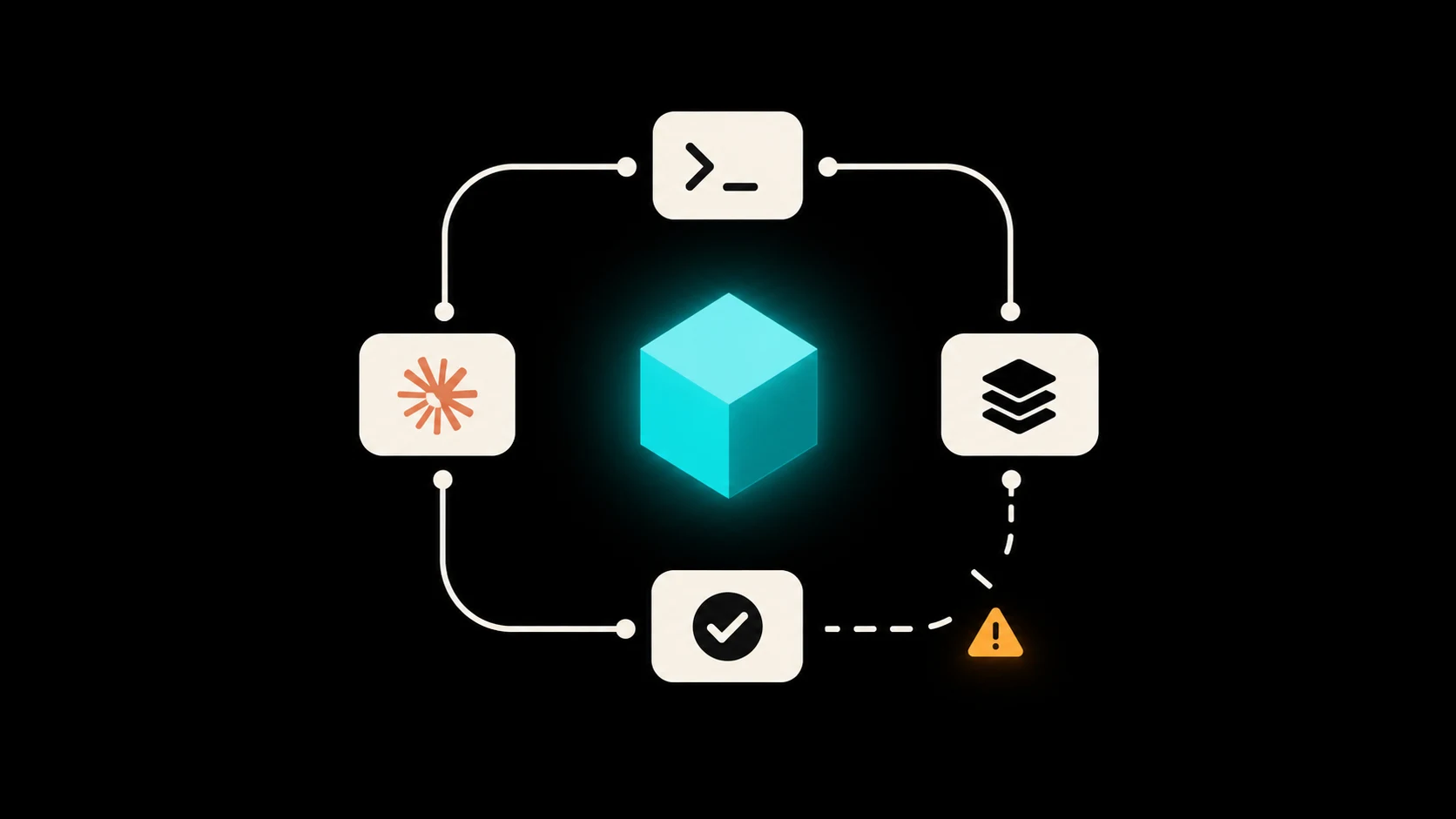
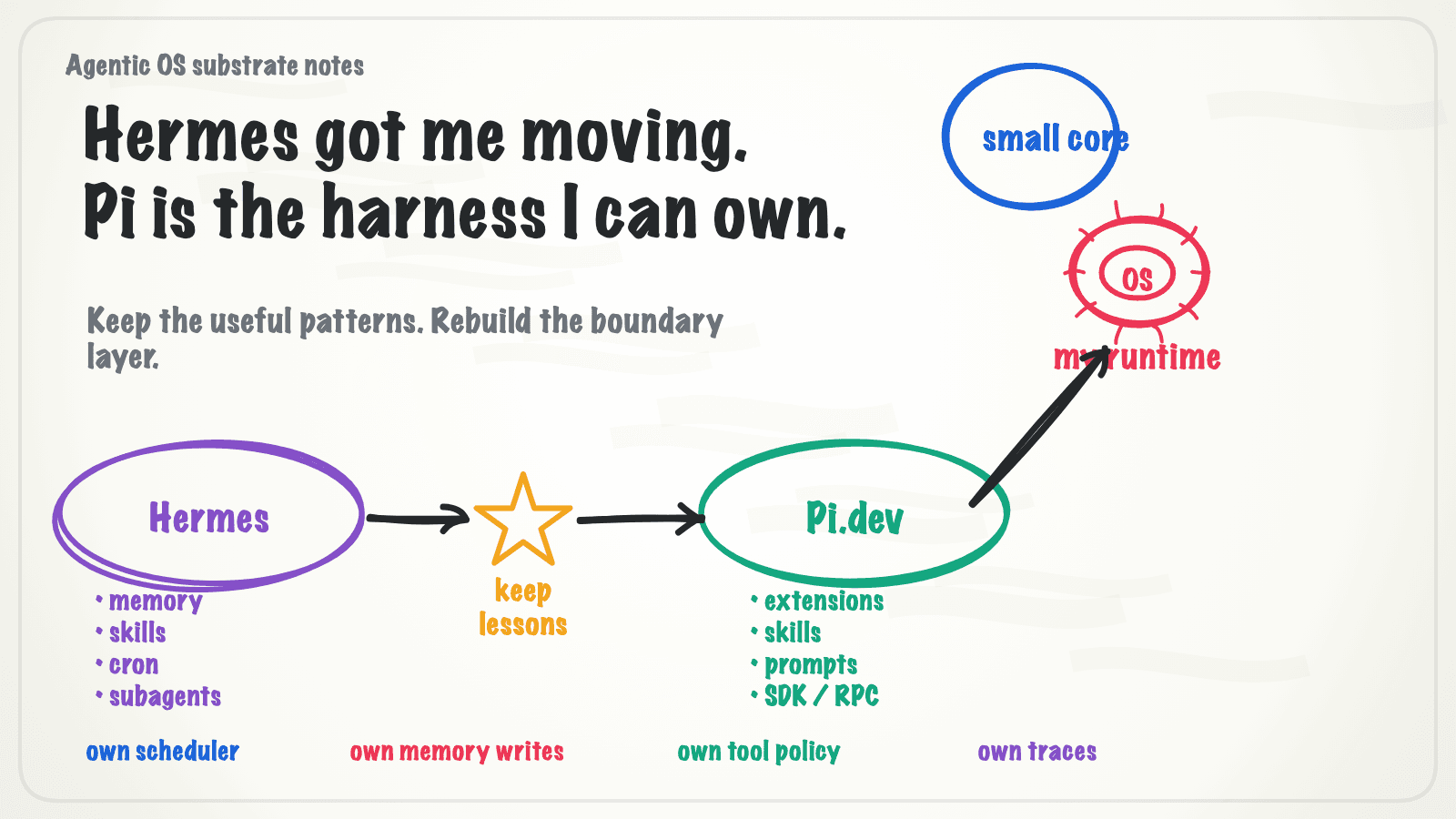
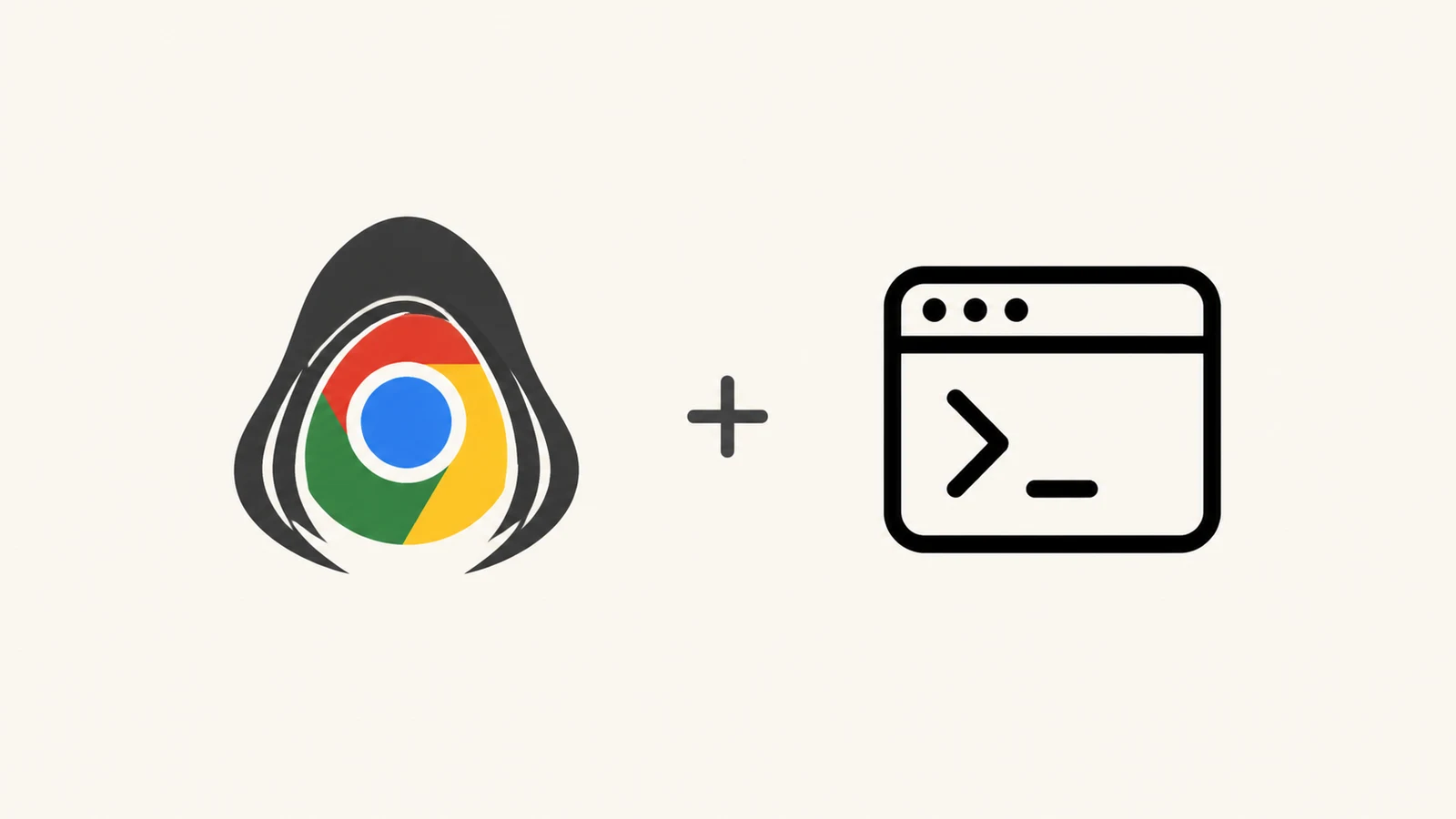
The setup that changed it for me is boring in the best way: CloakBrowser for an isolated real browser, agent-browser for driving that browser from the terminal, a small agent-web wrapper around my local config, and a skill that teaches the agent exactly how to use the whole thing.
That skill did more work than I expected. The boring breakthrough was the repeatable browser workflow.
The Combination
The stack looks roughly like this:
CloakBrowser
  -> isolated Chromium browser

agent-browser
  -> CLI for browser automation

agent-web
  -> local wrapper that points agent-browser at my browser config

browser skill
  -> instructions for when and how the agent should use it
agent-browser turns the browser into a terminal tool. It can open pages, inspect interactive elements, click referenced elements, fill fields, press keys, scroll, and take screenshots. The project and local help text both push the same loop: open a page, snapshot, act on element refs, then snapshot again.
CloakBrowser gives the workflow a real browser surface. Pages behave like pages. The browser has windows. Screenshots exist. Clicks and keyboard input happen in a place a human can see, which is helpful when the agent confidently says it clicked something and the page looks back at you with a blank little face.
The wrapper keeps config trivia out of the prompt. The agent just calls the wrapper.
Why The Skill Did The Actual Work
Without a skill, an agent has to discover the browser workflow every time.
It might guess the command.
It might use the wrong profile.
It might click from stale page state.
It might forget to re-snapshot after a navigation.
It might ask me to paste secrets into chat, which is where I start making a face at the screen. Absolutely not, my brother in OAuth.
A skill fixes that because it gives the agent a local operating procedure:
agent-web open https://example.com
agent-web snapshot -i
agent-web click @e12
agent-web fill @e7 "draft text"
agent-web press Enter
agent-web screenshot --annotate
The command list is useful, but the habit is the prize. I want the agent to remember a small ritual:
- Open the page.
- Snapshot the page and get interactive refs.
- Act on refs instead of inventing selectors from a dream.
- Re-snapshot after the page changes.
- Use screenshots when the page is visual or ambiguous.
- Pause before any externally visible action unless the user already made the target and content unambiguous.
That gives the agent enough structure to be useful without letting it cosplay as a tiny Selenium tutorial with feelings.
The Full Autonomy Trap
People will hear "agent with browser" and immediately imagine a tireless intern clicking around the internet while they sleep.
Please lower the temperature.
I still want a headed browser for sensitive steps. If a page needs a password, payment detail, MFA code, recovery code, or anything else that should never touch chat, the user handles it directly in the browser. The agent can wait. Waiting is a feature.
I also want bright lines around risky browser state. Cookies, storage, network interception, raw auth state, downloads, uploads, and destructive actions should not be casual commands. A browser automation tool has real reach. Treat it like a tool with reach, unless you enjoy writing incident reports to yourself.
The skill is where those boundaries live:
- Use the wrapper by default.
- Use snapshots before interacting.
- Prefer visible refs over guessed selectors.
- Do not ask for secrets in chat.
- Ask before destructive or externally visible actions.
- Use screenshots when the page is ambiguous.
- Stop if the target, account, or content is unclear.
Those rules are boring. Good. Boring is what keeps "agentic workflow" from becoming "why did it click Submit."
The Prompt I Would Give Another Agent
If I were handing this workflow to someone else, I would start with a prompt. Let their agent create the skill and adapt the details to their machine. That is less romantic than a handcrafted config file, but romance is how half of our dotfiles became haunted furniture.
Create a skill named browser-workbench for my coding agent.

Purpose:
Teach the agent how to use a real browser through agent-browser or an agent-web wrapper.

Behavior:
- Prefer `agent-web <command>` if an agent-web wrapper exists.
- Otherwise use `agent-browser <command>` directly.
- Start with `open <url>`.
- Use `snapshot -i` to inspect interactive elements.
- Use referenced elements like `@e12` for click, fill, type, and press actions.
- Re-run `snapshot -i` after navigation, modal changes, form submissions, or any major page update.
- Use `screenshot --annotate` when the page is visual, ambiguous, or layout-sensitive.
- Let the user enter passwords, MFA codes, recovery codes, payment details, and other secrets directly in the headed browser.
- Never ask the user to paste secrets, cookies, session tokens, or local storage into chat.
- Pause before destructive actions, purchases, account changes, submissions, posts, sends, deletes, uploads, downloads, or anything externally visible unless the user has already given an explicit instruction and the target/content are unambiguous.
- If the page state, account, or target is unclear, stop and ask.

Include command examples:
`agent-web open https://example.com`
`agent-web snapshot -i`
`agent-web click @e12`
`agent-web fill @e7 "example text"`
`agent-web press Enter`
`agent-web screenshot --annotate`

Make it instruction-only. Do not add scripts unless I ask for them.
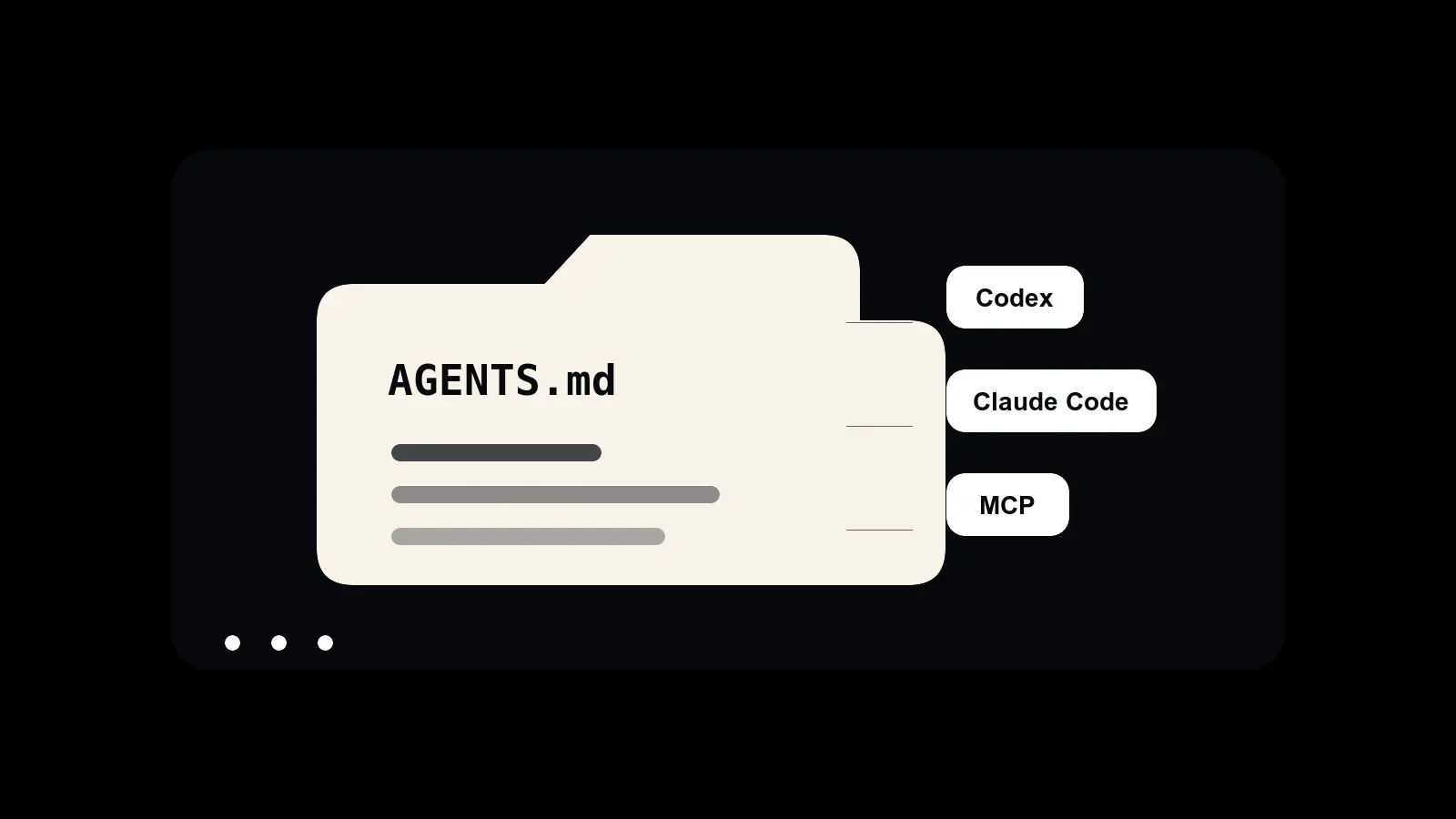
For Codex, that prompt can become a skill under a user or repo skills folder. OpenAI's Codex docs show skills as folders with a required SKILL.md, and Codex can read user skills from $HOME/.agents/skills or repo skills from .agents/skills.
For Claude Code, the same idea maps to ~/.claude/skills/browser-workbench/SKILL.md. Anthropic's docs use the same basic shape: a skill directory with a required SKILL.md, frontmatter, instructions, and optional supporting files.
The prompt is portable. The browser binary, wrapper name, profile strategy, and policy details can change. The workflow shape survives.
Where It Breaks
Browser refs are temporary. If the page changes, old refs can lie to you. Snapshot again.
Visual pages are not always understandable from text. Screenshot them.
Some sites hide state behind transitions, popovers, lazy loading, and strange focus behavior. Slow down.
Some actions should never be automated without a clear human instruction. Slow down even more.
Use APIs when a stable API exists and the job is deterministic. Browser automation earns its keep when the browser is the product surface, the inspection surface, or the only practical interface. Otherwise you have invented a slower API with screenshots. Congratulations, I guess.
That boundary keeps the tool honest.
Why This Stuck
The agent workflows that stick for me are usually small pieces of structure that remove a recurring handoff. This did that.
Before, browser work meant I became the adapter. The agent would produce text, I would move it into a webpage, then I would bring page state back into the conversation. Over and over. Tiny context switches, but enough of them and your brain starts charging interest.
Now the browser is another tool surface.
The agent can open, inspect, click, fill, screenshot, and report back. I can stay in the loop where I actually matter: approving actions, handling sensitive steps, correcting judgment, and deciding what should happen next.
That is the pattern I keep coming back to with agents: stop asking the model to be a genius inside a broom closet. Give it a better environment.
In this case, the better environment was an isolated browser, a CLI, a wrapper, and a skill with rules. Four boring nouns. Annoyingly effective.
Sources: agent-browser on GitHub, OpenAI Codex skills docs, and Claude Code skills docs.
Tagged