Axios Compromised on npm: What Happened, How to Check, and How to Fix It
Axios is one of those packages that lives quietly in a lot of JavaScript projects.
You install it once, use it for API calls, forget about it, and move on. It sits in frontend apps, backend services, internal tools, side projects, test scripts, old dashboards, new dashboards, and probably three repos you forgot existed.
So when Axios gets compromised on npm, developers should pay attention.
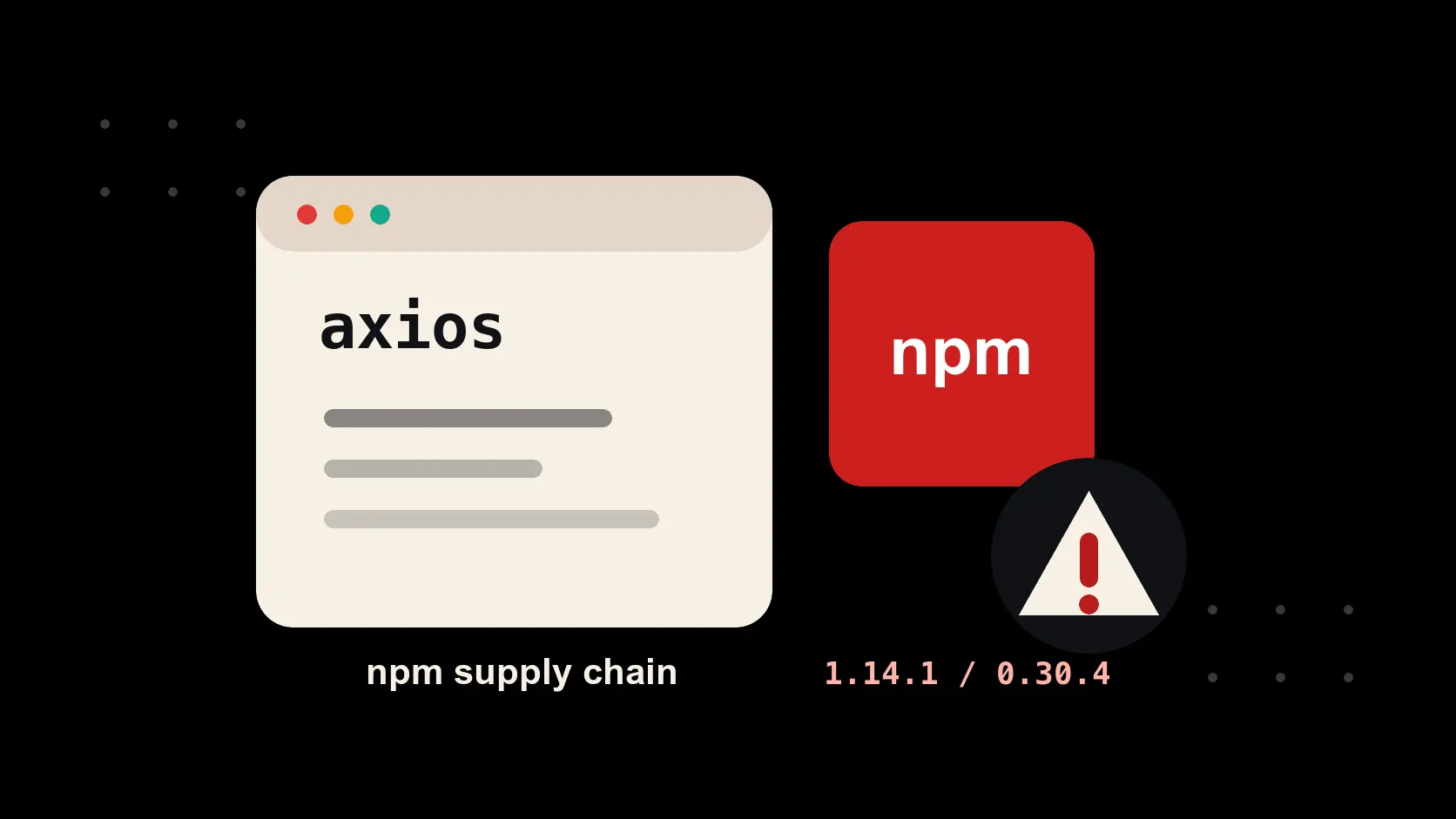
On March 31, 2026, two malicious versions of Axios were published to npm through a compromised maintainer account:
axios@1.14.1
axios@0.30.4
Both versions added a malicious dependency:
plain-crypto-js@4.2.1
According to the official Axios post-mortem, that dependency installed a remote access trojan on macOS, Windows, and Linux. The malicious Axios versions were live for about three hours before being removed.
That short window matters, but it does not make the incident harmless. If your local machine, CI runner, container build, or deployment pipeline installed one of those versions during that window, you should treat the environment as potentially compromised.
This was not a normal "update your package and move on" vulnerability.
This was a supply chain compromise.
What Happened
The attacker did not need to change the visible Axios source code in the GitHub repository.
That is part of what made the attack sneaky.
Microsoft reported that the malicious releases made a manifest-only change. In plain English: the npm package metadata added plain-crypto-js as a dependency while Axios application logic stayed unchanged.
That means a developer casually checking the Axios GitHub repo may not have seen anything suspicious.
The dangerous part was in the npm package that got published.
When someone installed one of the affected Axios versions, npm could also install plain-crypto-js. That package had an install step that executed malicious behavior. Microsoft noted that the malicious dependency did not need to be imported by application code to create risk.
Your app did not have to call Axios.
Your code did not have to import plain-crypto-js.
The risk could happen during package installation.
Which Versions Were Compromised?
The known compromised Axios versions were:
axios@1.14.1
axios@0.30.4
Both were removed after the compromise was discovered. Axios, Microsoft, Socket, Datadog, and other security teams all point to the same malicious dependency: plain-crypto-js@4.2.1.
If your project installed either Axios version, especially on a developer laptop or CI/CD machine, do not treat it like a small dependency issue.
Treat it like possible machine compromise.
That sounds annoying because it is.
But the alternative is pretending a RAT had polite intentions, and that is not really a security strategy.
Why plain-crypto-js Was Dangerous
The malicious dependency name was boring enough to scroll past.
plain-crypto-js sounds like the kind of package that could appear somewhere deep in a dependency tree and make your eyes glaze over. Socket reported that it was introduced as a new dependency in the compromised Axios package and was absent from normal Axios GitHub releases.
The package used npm's install lifecycle to deploy malware. That makes it different from the kind of vulnerability where danger only appears if your application reaches a specific runtime code path.
This attack targeted the install process itself.
That puts more than your app at risk:
- developer laptops
- CI/CD runners
- build servers
- Docker build environments
- staging machines
- internal test environments
Basically, anywhere npm install, npm update, or a similar package installation command ran.
How To Check A Project
Start with the project you care about most.
Inside the project folder, run:
npm list axios plain-crypto-js
You are looking for:
axios@1.14.1
axios@0.30.4
plain-crypto-js@4.2.1
Then check your lockfiles:
grep -E "axios@(1\\.14\\.1|0\\.30\\.4)|plain-crypto-js" package-lock.json yarn.lock pnpm-lock.yaml 2>/dev/null
If you want a wider project search:
grep -R "plain-crypto-js\\|axios@1.14.1\\|axios@0.30.4" .
For larger repos, limit the first pass to dependency files:
grep -R "plain-crypto-js\\|1.14.1\\|0.30.4" package.json package-lock.json yarn.lock pnpm-lock.yaml 2>/dev/null
If plain-crypto-js appears in your dependency tree around the affected window, investigate further.
How To Scan A Machine
Sometimes the issue is bigger than the repo in front of you.
You may have old projects, temporary builds, cloned repos, or forgotten test folders sitting on your machine. On macOS or Linux, start with your home directory:
find "$HOME" -path "*/node_modules/axios/package.json" 2>/dev/null | while read -r f; do
  version=$(grep '"version"' "$f" | head -1)
  echo "$f -> $version"
done
To look specifically for the malicious dependency:
find "$HOME" -path "*/node_modules/plain-crypto-js/package.json" 2>/dev/null
If you need a full system scan, replace "$HOME" with /, but expect it to be slower and noisier.
On Windows PowerShell:
Get-ChildItem -Path C:\ -Recurse -Filter "package.json" -ErrorAction SilentlyContinue |
  Where-Object { $_.DirectoryName -like "*node_modules\axios" } |
  ForEach-Object {
    $version = (Get-Content $_.FullName | Select-String '"version"').Line
    Write-Output "$($_.FullName) -> $version"
  }
These commands answer the first question:
"Did this machine have one of the bad Axios versions installed anywhere?"
If the answer is yes, the next question is more serious:
"What secrets or systems did this machine have access to?"
Check Lockfile History
Your current node_modules folder may look clean.
That does not prove you were never affected.
Socket reported that the malicious package attempted to clean up after itself by removing the malicious install script evidence. Your current dependency folder may not tell the full story. Git history, lockfile changes, CI logs, and build cache may have better evidence.
For package-lock.json:
git log -p -- package-lock.json | grep -E "plain-crypto-js|axios@(1\\.14\\.1|0\\.30\\.4)|axios-1\\.14\\.1|axios-0\\.30\\.4"
For pnpm:
git log -p -- pnpm-lock.yaml | grep -E "plain-crypto-js|1\\.14\\.1|0\\.30\\.4"
For Yarn:
git log -p -- yarn.lock | grep -E "plain-crypto-js|axios@1\\.14\\.1|axios@0\\.30\\.4"
This is one of the parts people skip because it feels tedious.
Unfortunately, supply chain attacks love tedious places.
Old lockfiles, build logs, install scripts, and dependency trees are exactly where this kind of thing hides.
What To Do If You Installed Affected Versions
If you find one of the affected Axios versions, move away from it immediately.
For incident containment, the known-good versions listed by Axios and Microsoft were:
npm install axios@1.14.0
For the older affected line:
npm install axios@0.30.3
If you later upgrade to a newer Axios release, do it intentionally after checking the current maintainer guidance. Do not let a compromised or stale lockfile make that decision for you.
Then remove and reinstall dependencies:
rm -rf node_modules package-lock.json
npm cache clean --force
npm install
If your CI uses npm, make sure the pipeline is not still resolving to one of the compromised versions.
But do not stop at reinstalling packages.
Because this was malware, you should think about what the affected environment could access.
Rotate secrets that may have been exposed:
- npm tokens
- GitHub tokens
- SSH keys
- API keys
- database passwords
- cloud provider credentials
- CI/CD secrets
- environment variables
- deployment keys
If the affected machine had access to production systems, treat the incident seriously. Huntress recommended rebuilding suspected systems from a trusted image and rotating sensitive tokens, keys, and passwords that may have been accessible.
For high-risk environments, a clean rebuild may be safer than trying to manually remove traces.
That is painful, but it is better than trusting a machine that may have executed a remote access trojan.
Reduce npm Supply Chain Risk
You cannot completely eliminate npm supply chain risk.
JavaScript projects depend on too many packages, and many of those packages depend on other packages, and somewhere in that pile there is always a package with a name like tiny-left-pad-safe-final-v2.
Still, you can make your projects less fragile.
Use npm ci in CI/CD:
npm ci
npm ci installs from the lockfile. That helps reduce surprise dependency drift in automated builds. It does not protect you if the lockfile already contains a bad package, so review lockfile changes like production code.
Save exact versions by default:
npm config set save-exact true
Or add this to .npmrc:
save-exact=true
That prevents npm from automatically saving dependency ranges with ^.
Instead of this:
"axios": "^1.14.0"
you get this:
"axios": "1.14.0"
You can also force a safe transitive version with npm overrides:
{
  "overrides": {
    "axios": "1.14.0"
  }
}
For sensitive builds, consider blocking install scripts:
npm ci --ignore-scripts
Or configure:
ignore-scripts=true
Be careful with that one. Some packages legitimately need install scripts. Test before rolling it out everywhere.
Another useful habit is delaying brand-new package versions from entering important environments immediately. Some attacks depend on speed. A malicious version gets published, automated systems pull it quickly, and by the time the package is removed, the damage is already done.
For critical systems, "latest" is not always a flex.
Sometimes "latest" is how you become the QA department for someone else's compromise.
The Takeaway
The Axios npm attack is a reminder that popular packages are not automatically safe.
That is uncomfortable because modern development runs on trust. We trust npm packages. We trust maintainers. We trust lockfiles. We trust CI pipelines. Most days, that trust works well enough.
But when a package as common as Axios can be compromised, dependency security stops being something only security teams should care about.
Developers need to know what their projects install.
Teams need to control how dependencies move.
CI environments need to be treated like sensitive systems.
And if a machine installed one of the affected Axios versions, the safest mindset is simple:
Assume compromise until you can prove otherwise.
That may sound dramatic.
But when the issue involves a remote access trojan, dramatic is allowed.
Sources: Axios post-mortem, Microsoft Security Blog, Socket research, Datadog Security Labs, StepSecurity analysis, and Huntress guidance.
Tagged